
Legend Workflow Usage
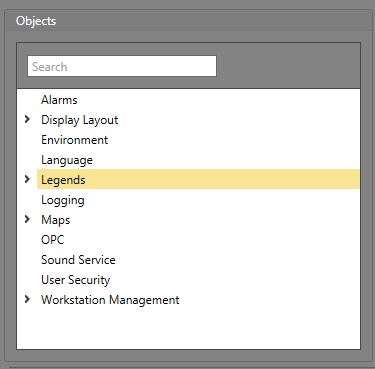
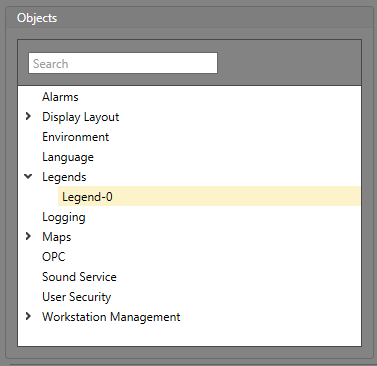
Legends can be managed from within Workflows. There are two levels for these objects: the top-level Legend object, and the nested individual Legends configured for the project.
Top-Level Legend Object Properties
The properties are for the top-level Legend object in the Logic Editor.
Commands
| Command | Parameters | Description |
|---|---|---|
| Display Legend | Legend — The Legend to be selected. | Displays the selected Legend. |
| Close Current Legend | Closes the selected Legend |
Properties
| Property | Description |
|---|---|
| Item ID | The unique identifier for this item. |
| Item Type | The Type of item this is. |
| Current Legend ID | The unique identifier of the Legend currently being displayed. |
| Name | The value is the string, "Legends". |
Properties for Nested Legends
The properties are for the nested Legends in the Logic Editor.
Commands
| Command | Parameters | Description |
|---|---|---|
| Display Legend | Displays the selected Legend. Note: Only one Legend can be displayed at once, so the selected Legend will replace any other open Legend.
|
Properties
| Property | Description |
|---|---|
| Item ID | The unique identifier for this item. |
| Item Type | The Type of item this is. |
| Is Displayed | Whether or not the Legend is displayed. |
| Name | The name of the Legend. |
| Title | The name of the Legend. |