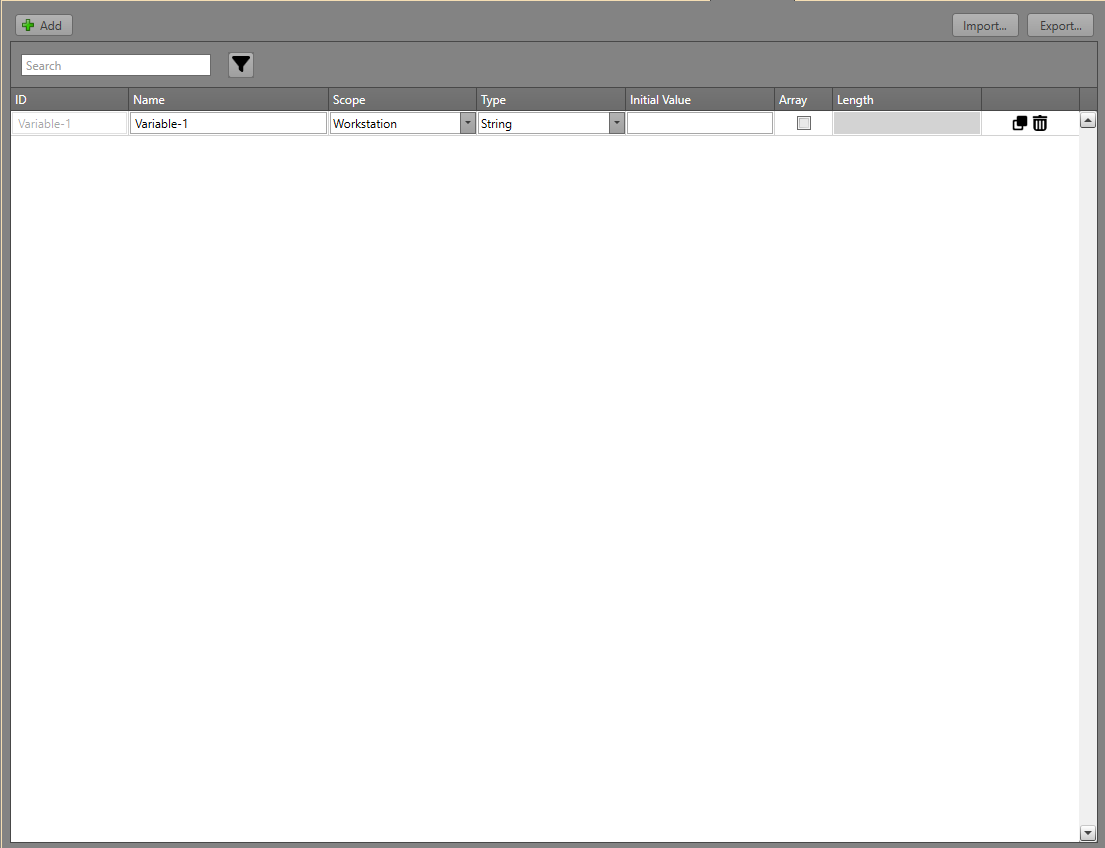
| ID |
The unique identifier assigned to the variable. |
| Name |
The Name you can give the
variable. |
| Scope |
The scope of the variable specifies how a variable’s
value is stored and shared between Workstations. Possible
scopes include:
- Global — Variables that are
shared across and synchronized with all Workstations
via the HIVE service.
- Workstation — Variables that
are unique to each local Workstation. Each
Workstation maintains its own copy.
- Workflow — Variables used
within a Workflow to temporarily store and
manipulate data during Runtime.
|
| Type |
Specify the data type for the variable. It can be one of
the following:
- Boolean — Represents a binary
state, such as True/False.
- Integer — A numerical value
with no decimals.
- String — A text value.
|
| Array |
Specifies whether the variable is an array. |
| Initial Value |
Defines the variable’s startup value. If other Runtimes
in the system are online, Global variables will be
immediately overwritten with the current value according to
the other workstations. |
| Length |
The size of the array. The maximum size an array can be
is 100. Note: Length is only accessible when
Array is toggled
on. |
| Copy or Delete |
Click the Copy icon to duplicate
the variable or the Delete icon to
delete the variable. |