Using Shapes in Workflows
Display Layout Shapes can also be used to either trigger an Action or Workflow.
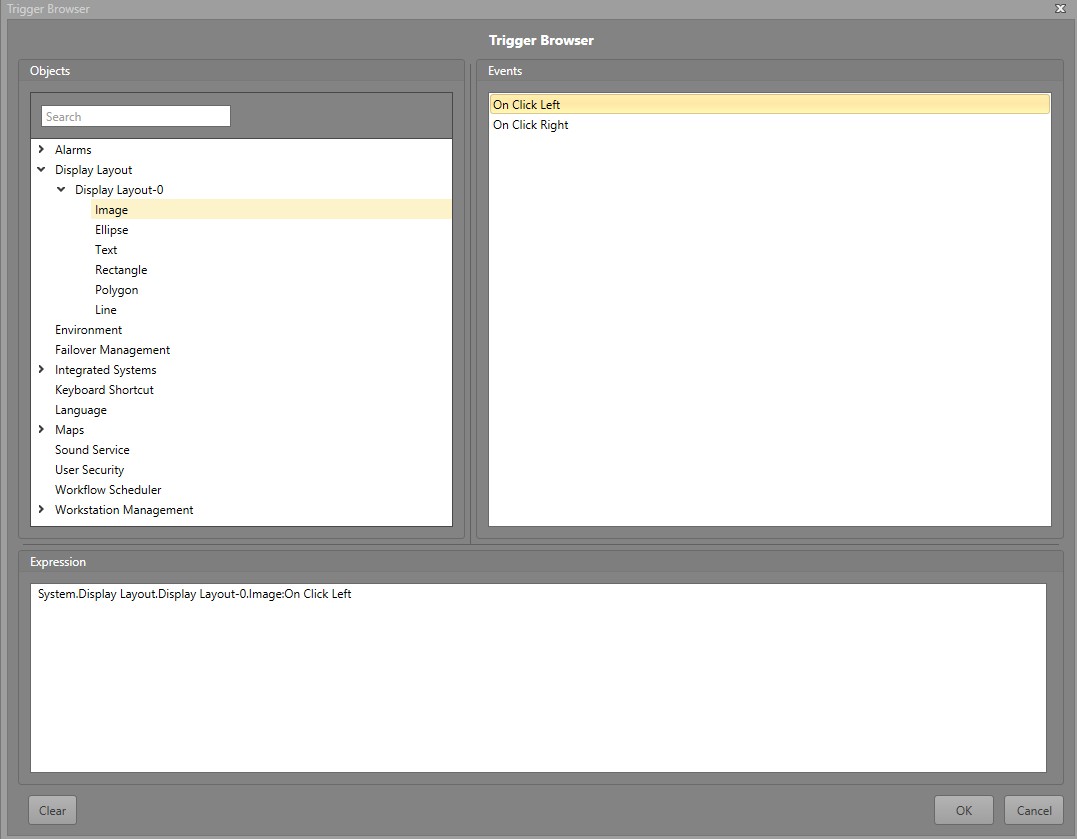
Items that can be used to trigger a Workflow include:
- Rectangle
- Ellipse
- Line
- Polygon
- Text
- Image
Once the Shape has been added, you can use it as a Workflow trigger.
Use a Shape to Trigger a Workflow
Clicking a Shape can be used to trigger a Workflow.
To use a Shape to trigger a Workflow, follow the steps below.
-
In the Trigger Browser, navigate to . Expand the Layout containing the
Shape. Anyone of the following shapes
will contain these triggers: