
GetCustomPropertyValue Function
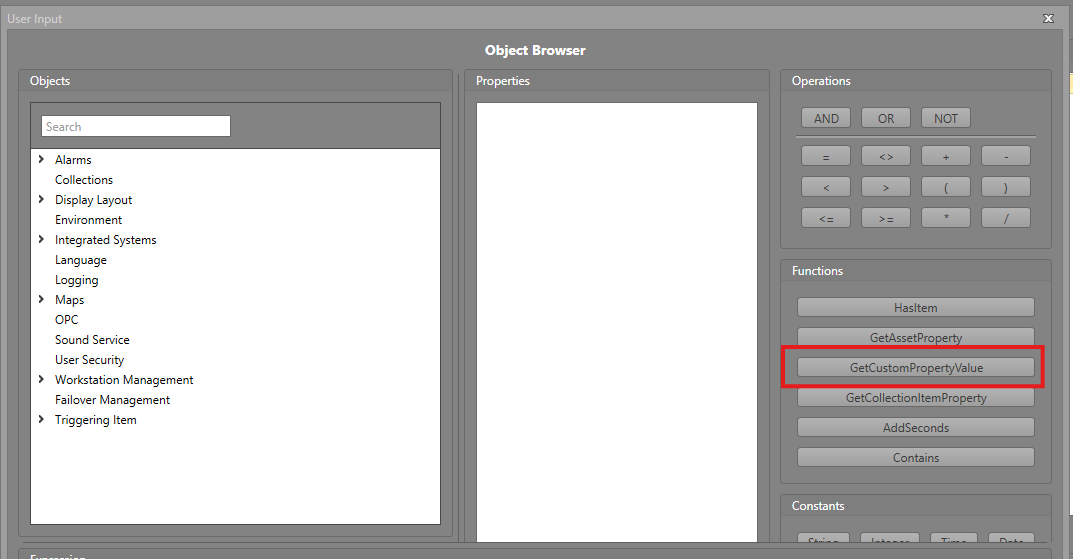
The GetCustomPropertyValue function is used to retrieve a value in a Custom User Property from an asset, map, or workstation, based on its ID. This function makes it much easier for users to dynamically access the custom property value tied to a map, workstation, or asset without needing extra lookup steps.
To use the GetCustomPropertyValue function in your Workflow, follow the steps below.
-
In the Logic Editor, click the
GetCustomPropertyValue function button.
-
Click the Item ID field in the Expression pane and enter the ID of the item you wish to get the property from.
