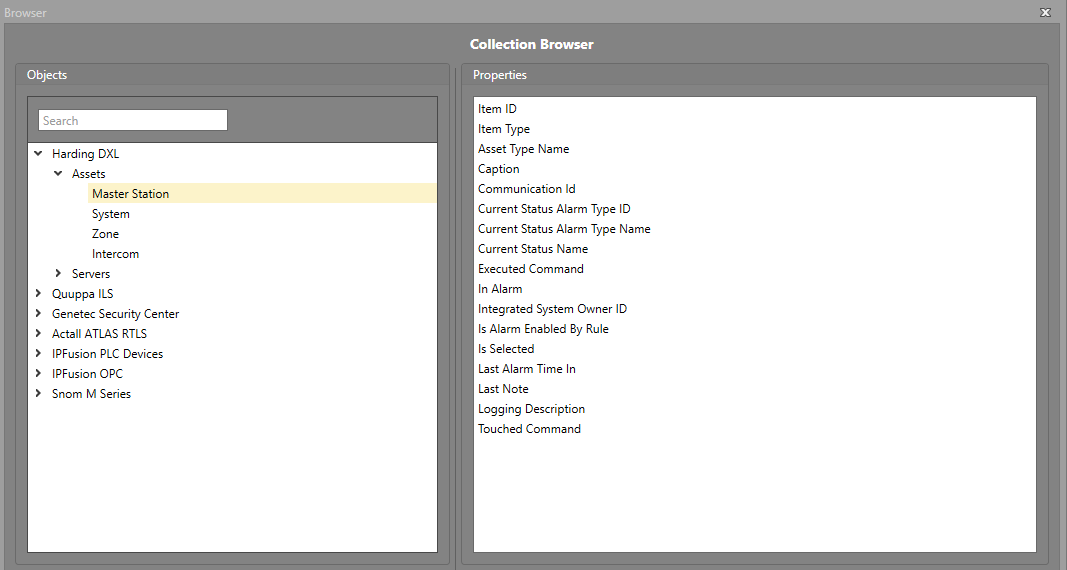
GetAssetProperty Function
The GetAssetProperty function is used to retrieve a named Property from an asset based on its Id. This is useful when a Workflow needs to reference information from a different asset than the one that triggered the event. In most cases, the asset ID being checked comes from another source, such as a Custom Property or the Currently Selected Asset ID.
-
Get Asset Property — Used to retrieve a specific property from a specific asset type.
To use the GetAssetProperty function in your Workflow, follow the steps below.
-
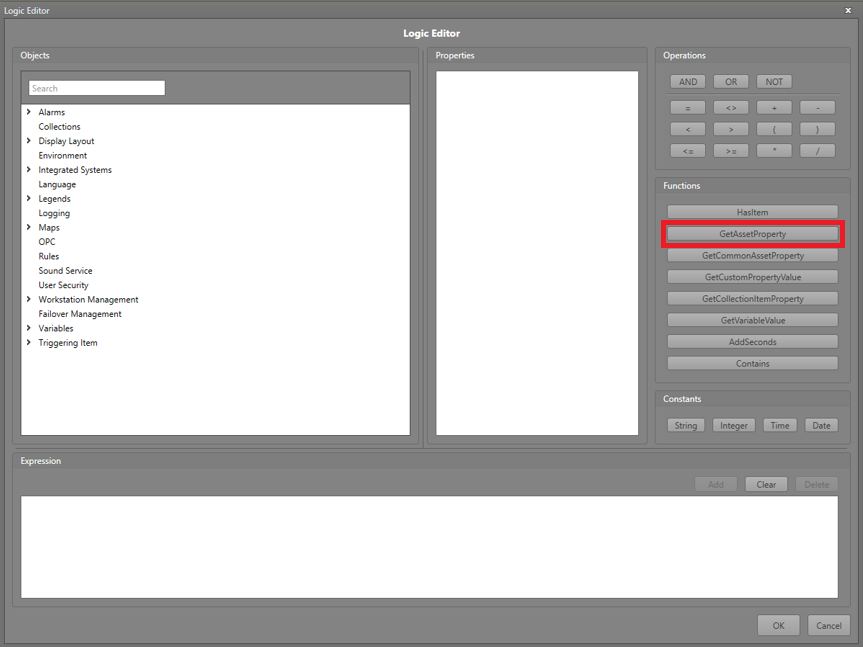
In the Logic Editor, click the
GetAssetProperty function button.
-
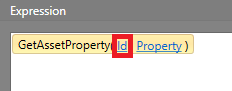
Click the Id text. Either type in the
Id of the asset, or click Advanced to navigate
to and select the Property containing the
asset's Id.
-
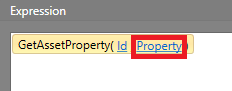
Click the Property text. Navigate to and select the
Property you would like to retrieve information
from.
-
Find the property needed for the Workflow in the Collections
Browser.