Set Variable Block
Variables are used to store data within a Workflow, and can be accessed within other Workflow blocks. The Set Variable block is used to change the value of a variable. This allows the value to change from the initial one.
To use the Set Variable Block, first create a new variable in the Variables panel. In that panel, specify the scope
of the variable by choosing from:
- Global Variables — When set, the new state is forwarded to all other Workstations in the project and is available for use in all Workflows.
- Workstation Variables — When set, the new state is available for use in all Workflows on the current Workstation only.
- Workflow Variables— When set, the new state is available for use in subsequent blocks of the current instance of this Workflow only. If the Workflow is fired again, the value will be reset to its default value.
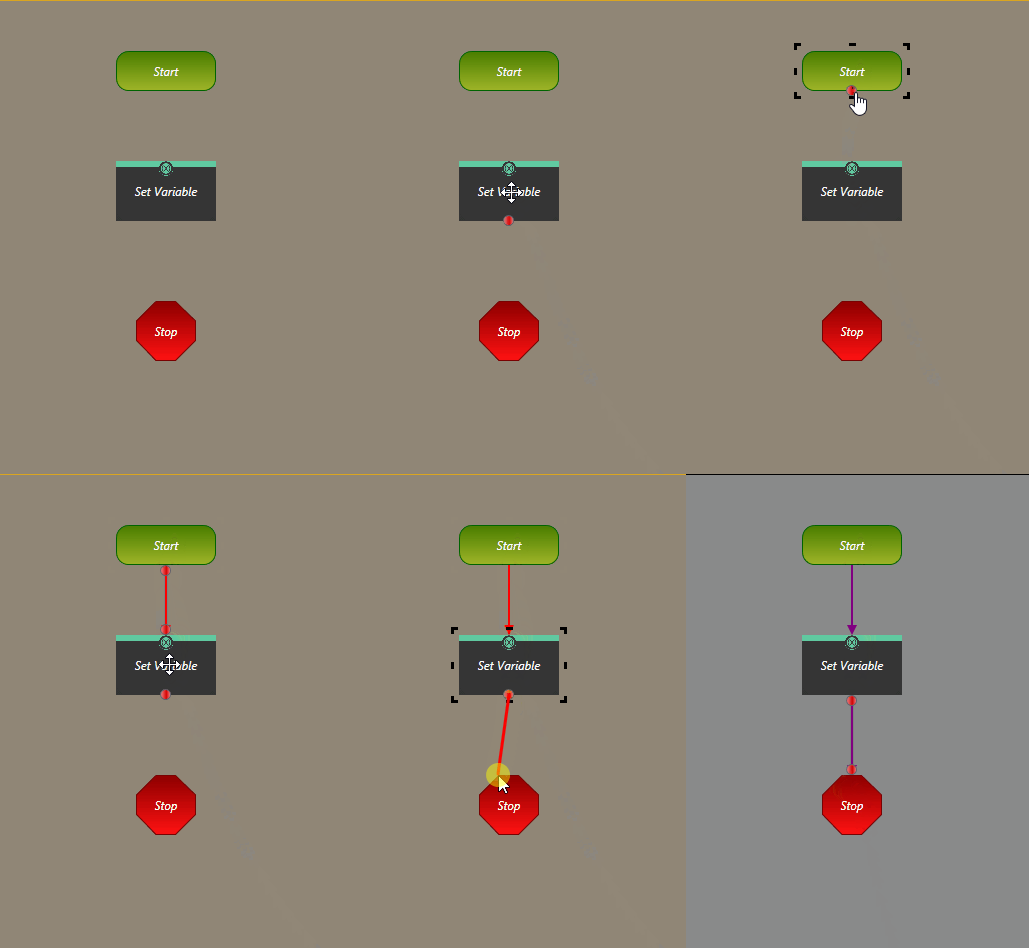
To use the Set Variable block in a Workflow:
-
Connect the Set Variable block to the previous and next blocks to be executed in the
Workflow.