Action Browser
The Action Browser allows you to select a Command to be issued.
You can issue Commands on the below Objects.
| Alarms | All currently active Alarms in Runtime. |
| Display Layouts | The Display Layouts and their associated Display Layout Items. |
| Environment | Change the current Map shown in a Map Container. |
| Integrated Systems | Commands can be issued on an Integrated System's assets. |
| Language | Change Language settings in Runtime. |
| Logging | Write to and make changes to logs. |
| Maps | Maps and their associated Objects. |
| OPC | Write OPC tags. |
| Sound Service | Control sound files to play, or currently being played. |
| User Security | If Security is enabled, Commands can be issued on the logged in user. |
| Workstation Management | Enable and disable Workstations. |
Selecting a Command
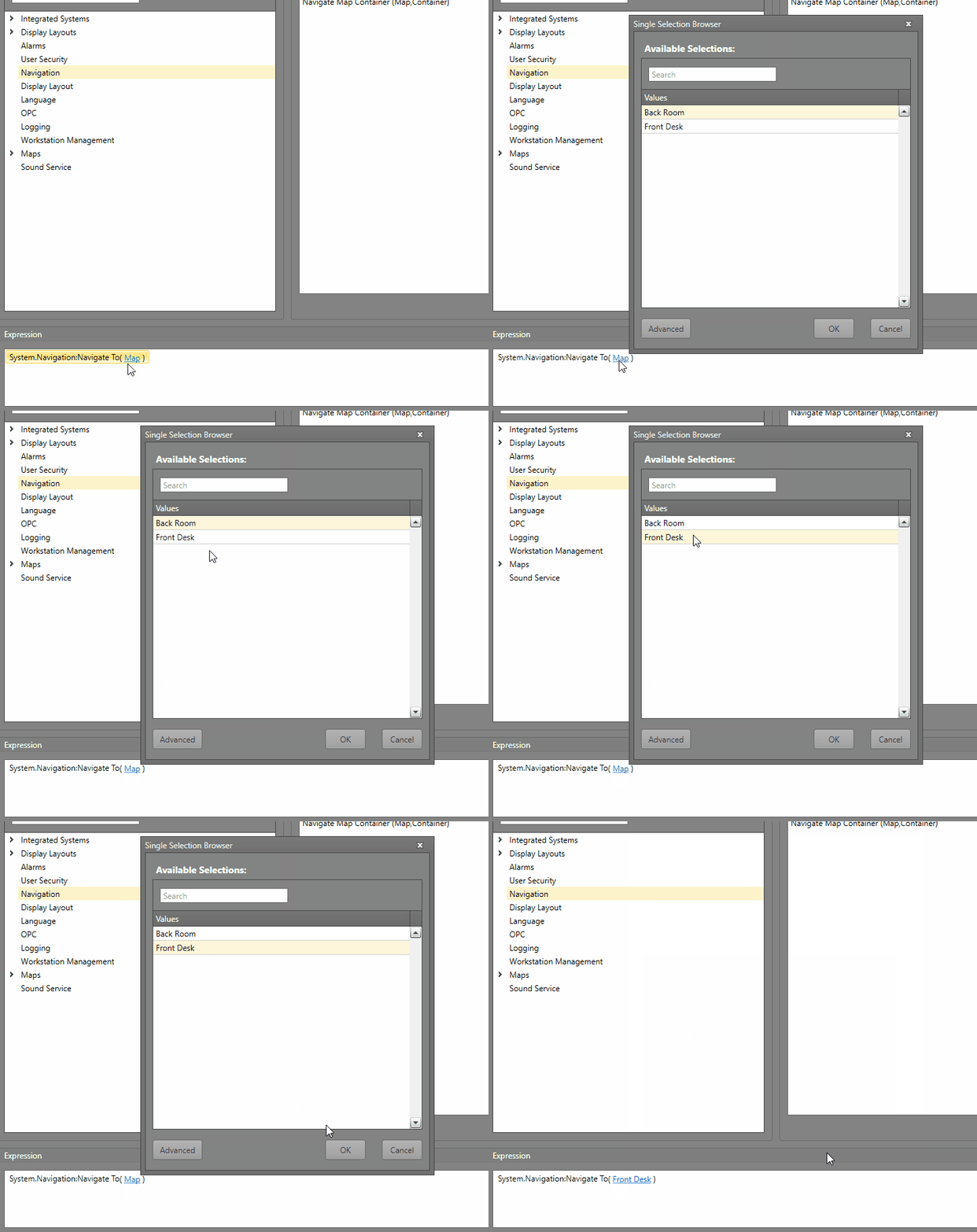
To select a Command, follow the below steps.
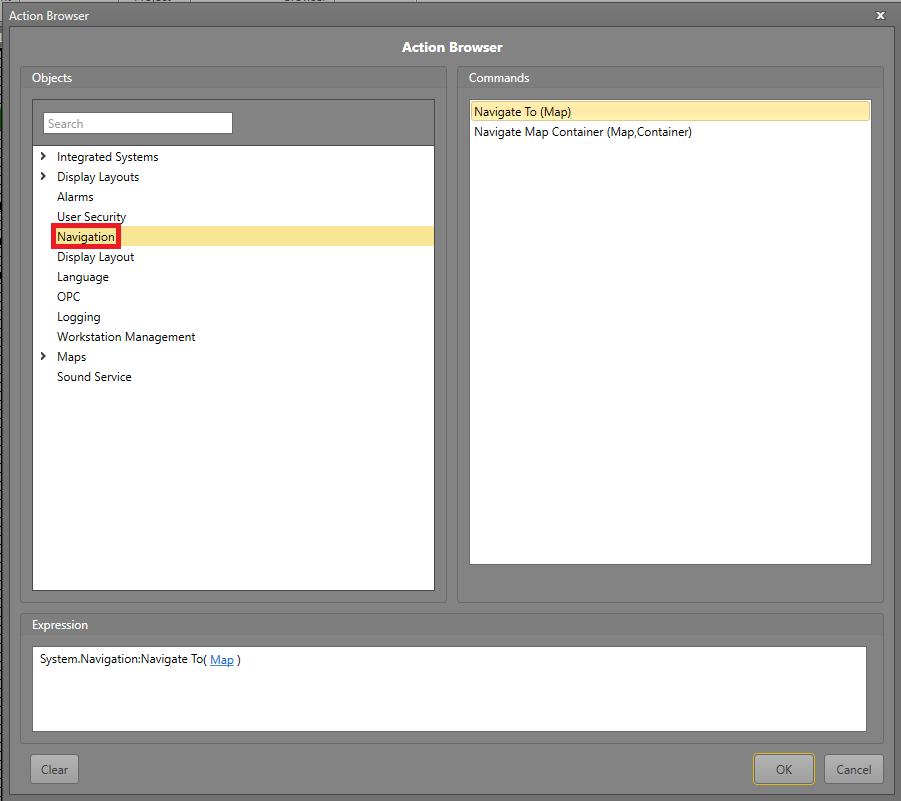
Select the Object you wish to execute the Command on.
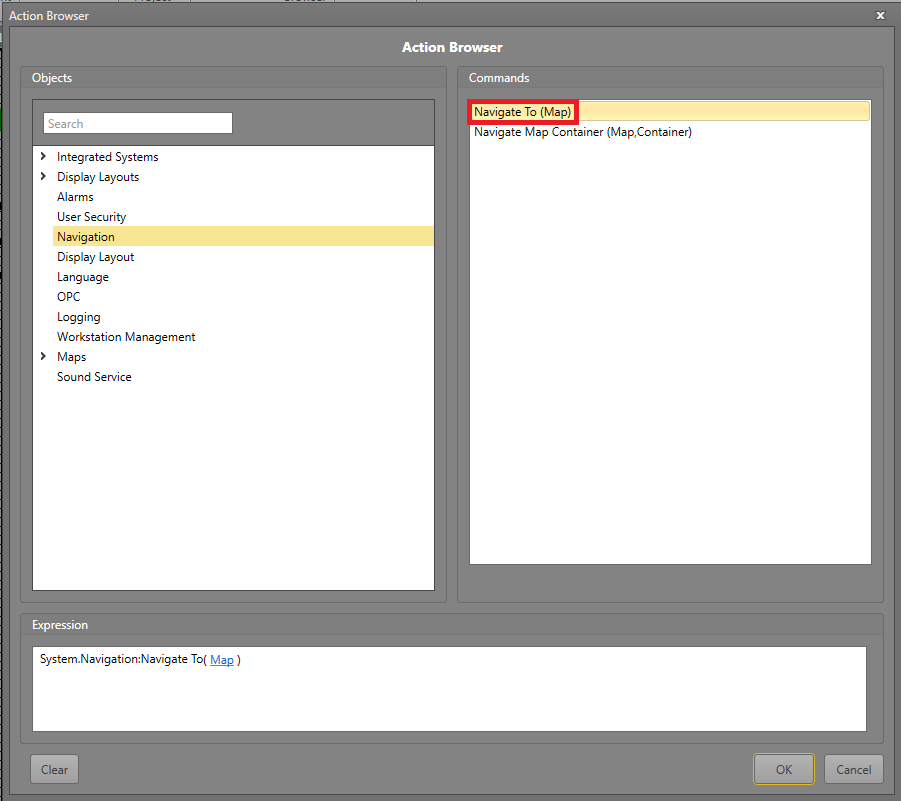
Select the Command you wish to run from the Commands pane.
If the Command has parameters contained between parentheses, click the blue text to fill in the required information.