Add a Label
A Label can be added to a Display layout, Legend, or Map. These can be used to accompany assets, controls, or areas of a Map or Legend.
-
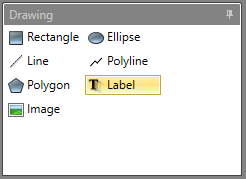
In the Drawing pane click
Label.
-
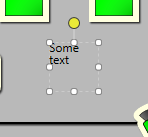
Click the location on the canvas where you want to place the
Label.
-
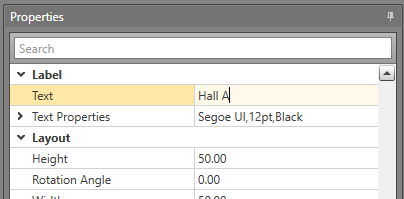
In the Properties grid open the
Label tree. Insert what you want the label to say in
the Text field.