GetCommonAssetProperty Function
The GetCommonAssetProperty function is used to quickly access a common property from an asset. All assets support the properties listed in this command. This is useful when a Workflow needs to reference information from a different asset than the one that triggered the event.
This function is most commonly used when the ID for an asset is being stored in one of it's Custom Properties. That Property can be used to set the Id value in the GetCommonAssetProperty function.
Note: While Get Asset Property functions similarly to
GetCommonAssetProperty, for frequently used properties,
GetCommonAssetProperty is recommended, as it allows you
to quickly locate the required property.
To use the GetCommonAssetProperty function in your Workflow, follow the steps below.
-
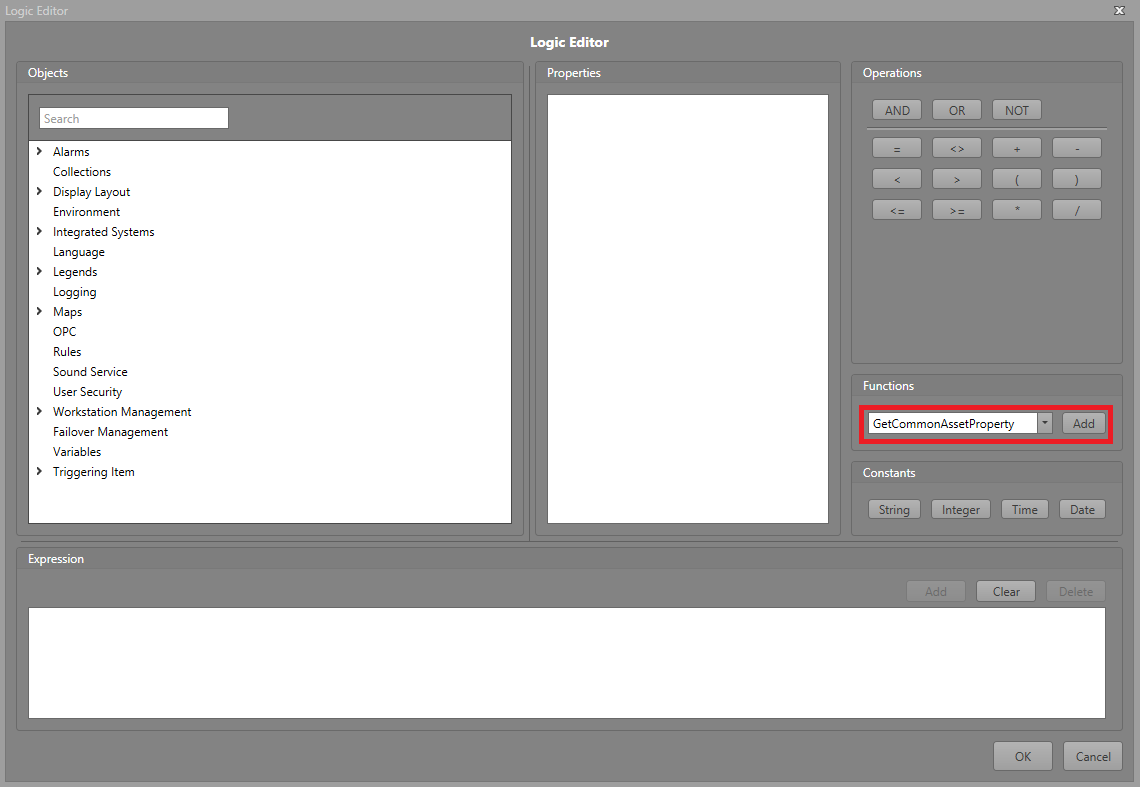
In the Logic Editor, click the
GetCommonAssetProperty function button.
-
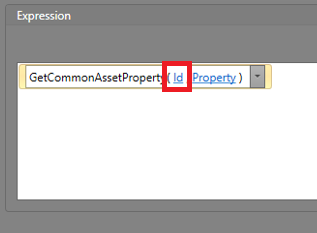
Click the Id text. Either type in the
Id of the asset, or click Advanced to navigate
to and select the Property containing the
asset's Id.
-
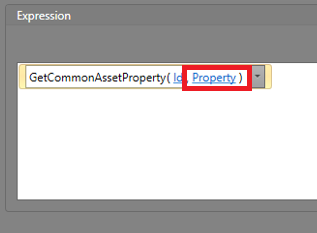
Click the Property text. Navigate to and select the
Property you would like to retrieve information
from.
-
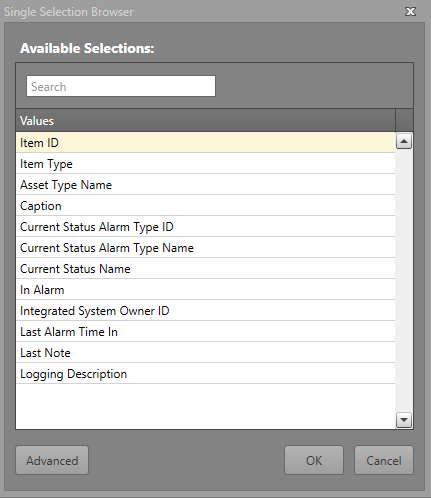
Find the property needed for the Workflow in the Single Selection
Browser.