GetVariableValue Function
The GetVariableValue function allows users to access their Global, Workstation, or Workflow variables within Workflows. It enables dynamic retrieval of variable values and integration of those values into expressions through the Logic Editor.
To use the GetVariableValue function in your Workflow, follow the steps below.
-
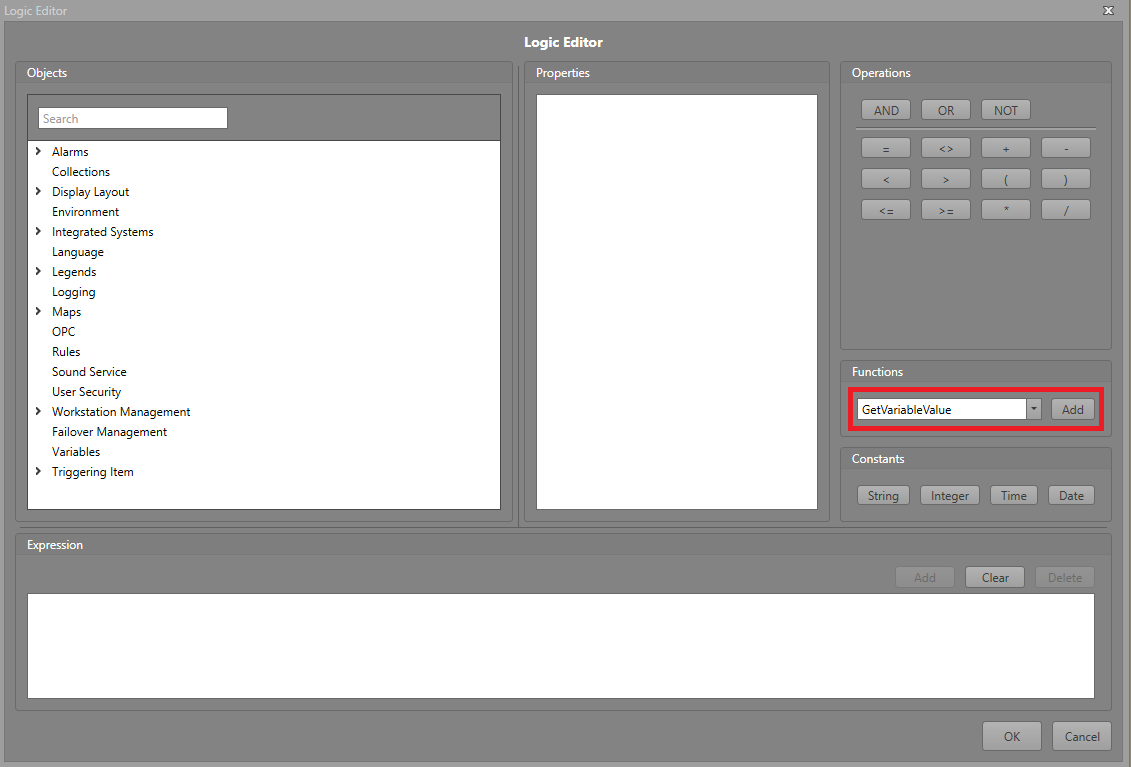
In the Logic Editor, click the
GetVariableValue function button.
-
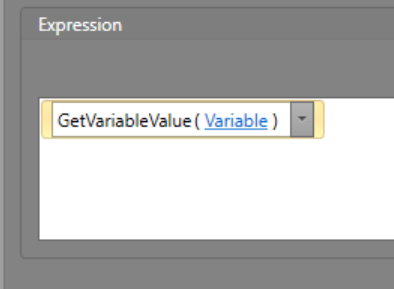
In the Expression pane, click the Variable text.
-
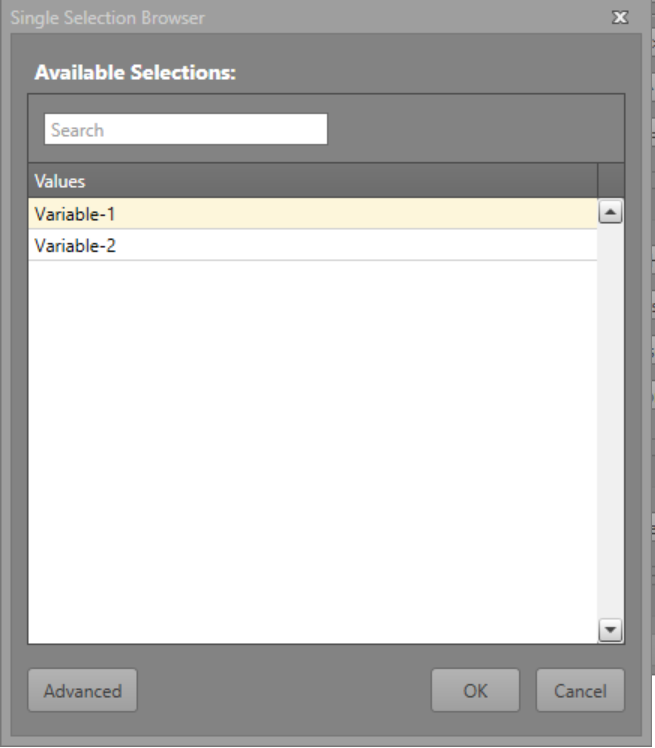
Select the variable you want to use from the ones you previously configured.