Command Associations
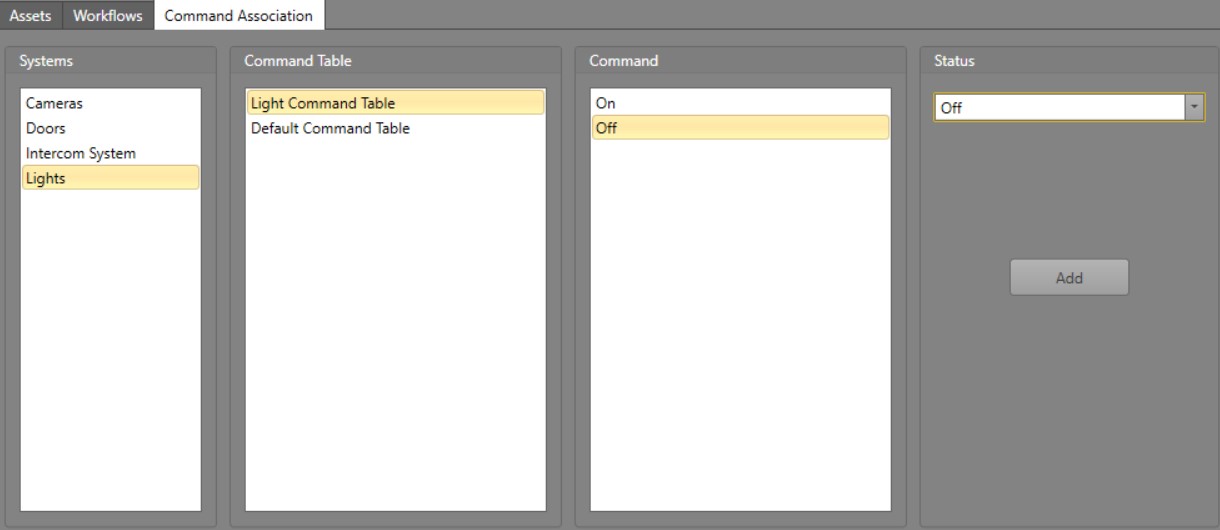
By default, commands aside from the default ones (Acknowledge, Mask, Reset and Cancel) do not change an asset's Status. Command Associations are used to simulate integrated system specific State changes.
To add a Command Association, follow the below steps.
-
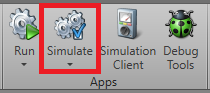
In , click Simulate.
-
Click the Command Association tab.

-
Select the Status from the drop-down menu to be
associated with this Command. Click
Add.
In the below example, the selected Command to turn Off a light is associated with the Off. This will set the light's Status to Off when the Command is executed.