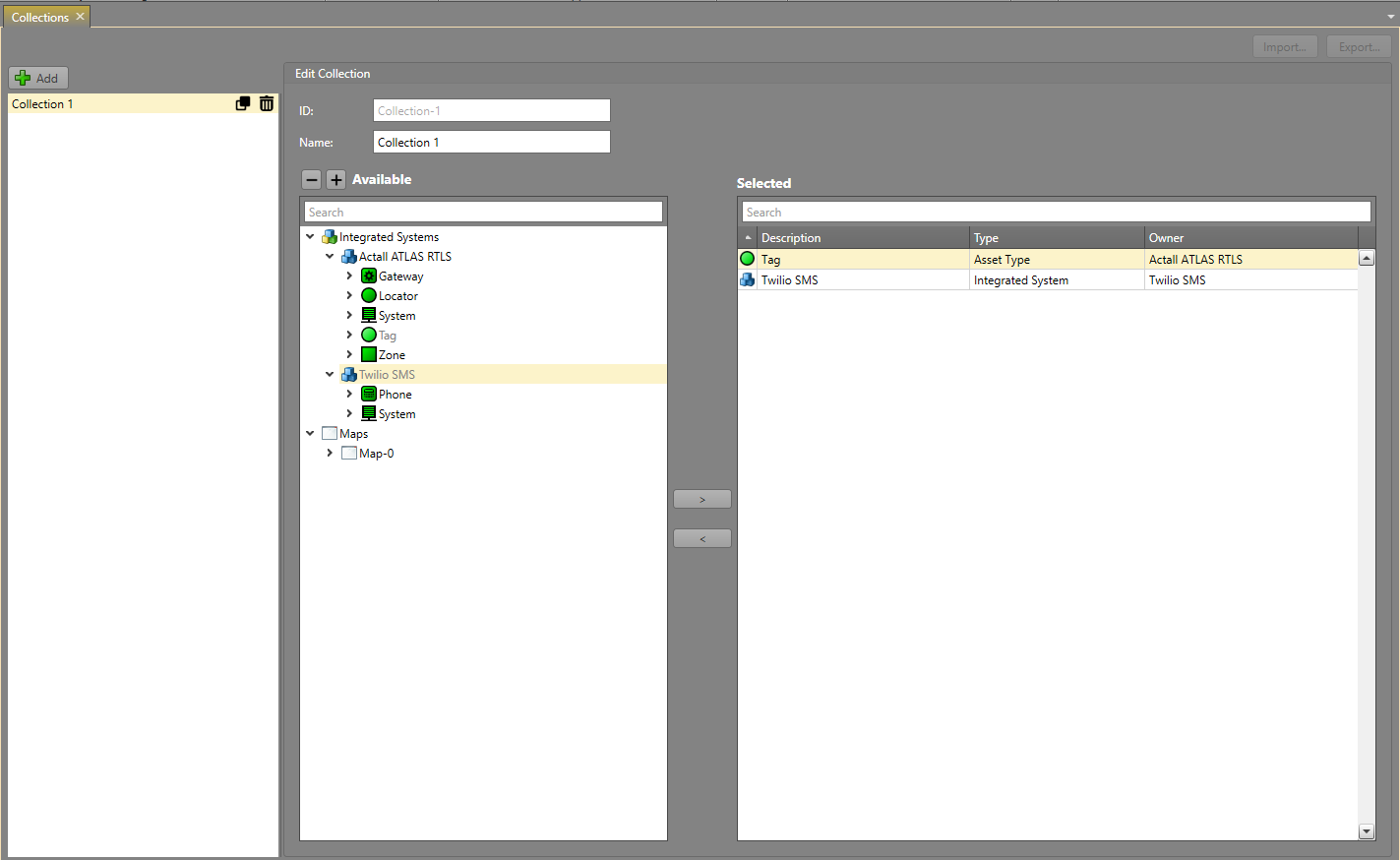
Add a Collection
Collections is a useful tool for grouping items in a project together. Before you can create a Collection in IPFusion, you must have items to group—so there must be integrated system assets already in the project.
-
In .
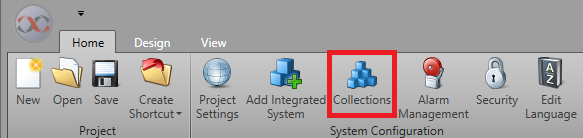
-
Select the items that are to be grouped together and
Save
Note: Assets can be selected multiple times, either by selecting a type or adding them individually more than once; however, duplicates will be removed so that the asset only appears once in the Collection.