Line Style
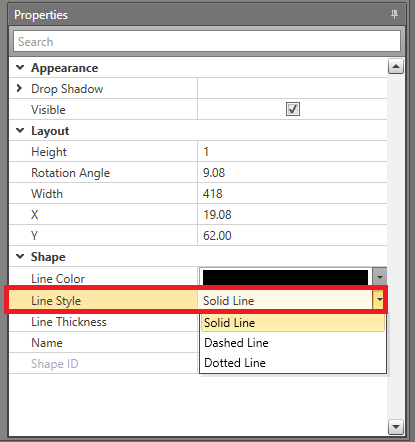
The appearance of lines and shapes outlines can be set in Designer. The line can be either solid, dashed, or dotted. This can be useful for differentiating the purpose of different shapes. The line style can be changed on these shapes: ellipse, line, polygon, polyline, and rectangle.
Setting Line Style in the Properties Grid
-
In the Properties grid, select one of the following
options for the Line Style to be used:
- Solid Line
- Dashed Line
- Dotted Line