Change or Reset User Password or PIN
You can change or reset user passwords or PINs through the Access and Identity Management Dashboard and through Workflow Commands.
User Profile Password or PIN Change
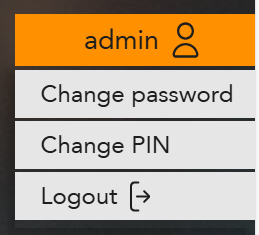
Change a user's password or PIN through the Access and Identity Dashboard:
-
In the drop-down menu, select either Change Password
or Change PIN.
Default Password or PIN Reset
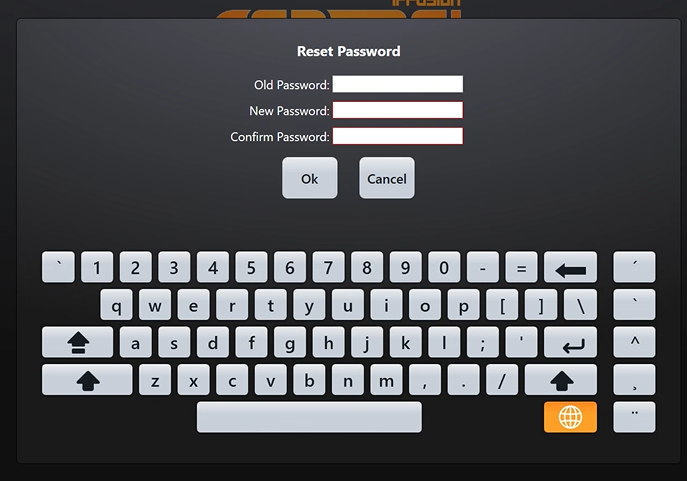
New users will be forced to reset their password or PIN on their first log in attempt. If users have already reset their password or PIN by logging in to the Access and Identity Dashboard, they will not have to reset it in Runtime.
-
Type in the default password or PIN under Old
Password, and choose a new password or PIN based on the
security policy of the project.
Enable Password or PIN Expiry
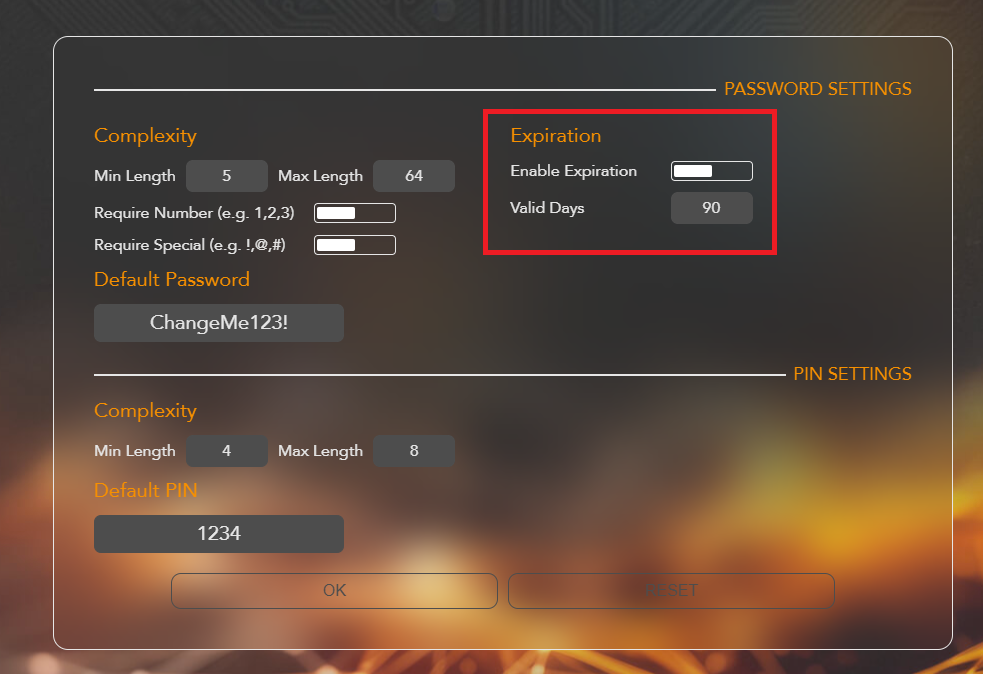
Use the Access and Identity Dashboard to enforce password or PIN resets after a defined number of days from when a user last changed their password or PIN.
-
Under Expiration, toggle Enable
Expiration on.
Users + Dashboard Password or PIN Reset
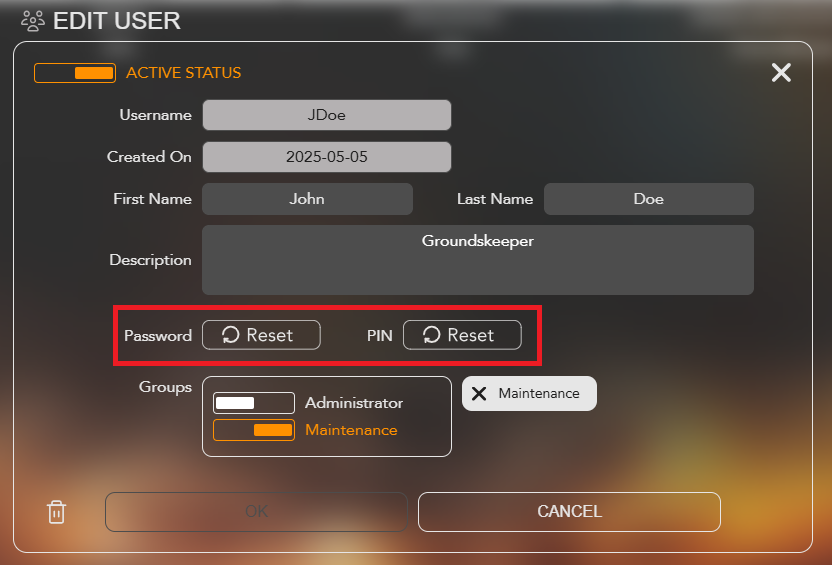
Use the Access and Identity Dashboard to reset a user's password or PIN. This will restore it to the default value defined on the Admin Dashboard page, and the user will be prompted to create a new password on the next login.
-
In the Edit User page, select either the
Password Reset or PIN
Reset.
Workflow Command Password or PIN Reset
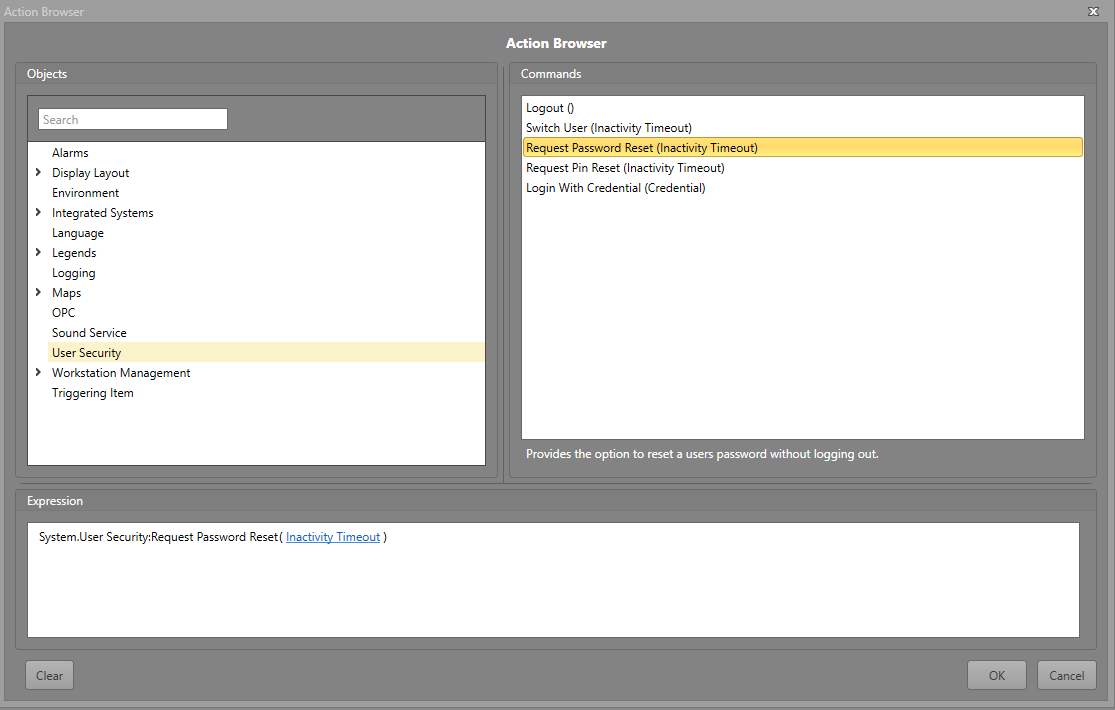
You can request a user to change their password or PIN through a Workflow in Runtime.
-
Select User Security and select either Request Password Reset or Request PIN Reset.
Note: Request Password Reset and Request PIN Reset contains the optional parameter Inactivity Timeout. This parameter takes in time measured in seconds that a user is not actively entering a username or password, and will cancel the operation of reseting the PIN or password and return them to the current Runtime view. Any user activity will reset the timeout, similar to how Inactivity Time operates. This action only triggers if a number is inputted. If left blank or the value is 0, it will remain on the login screen.